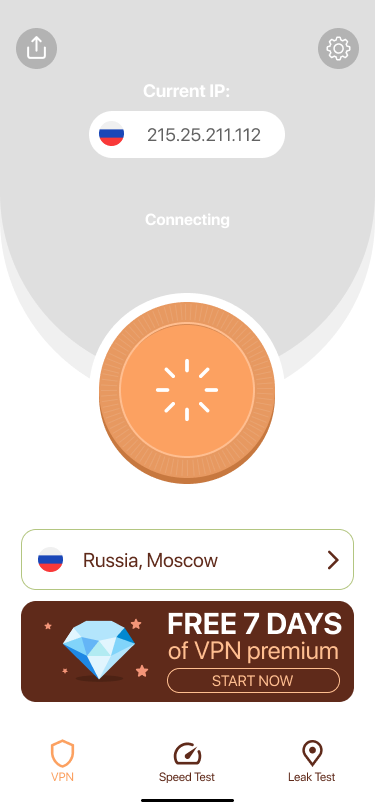
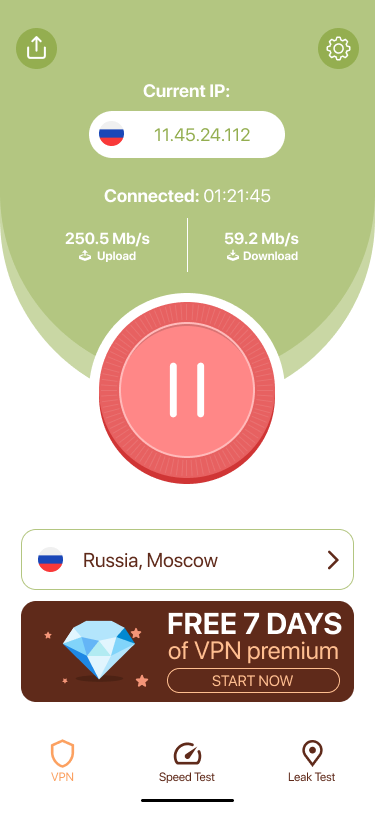
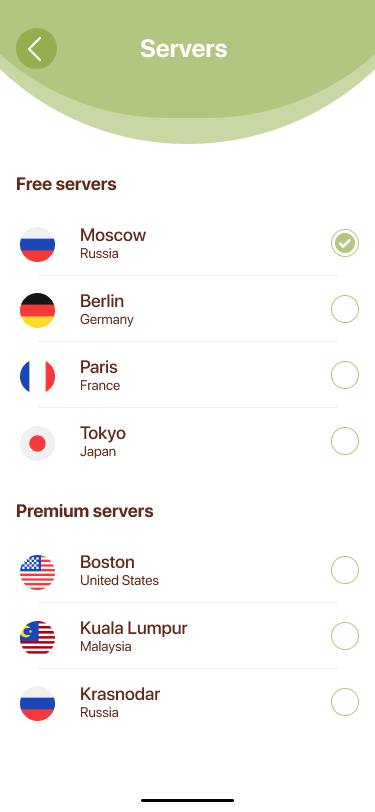
I designed SoftShield from scratch — research, UX, UI and a complete design system — around one core bet: make protection feel obvious, trustworthy and worth paying for.
Design system + trust — a coherent component system, built from scratch, that makes a security product feel trustworthy enough to pay for.
What I was designing for
The challenge
SoftShield was a tiny VPN with a working product and a stalling business. Trials barely converted, week-one churn was brutal, and the top App Store complaint wasn't a bug — it was a feeling: "I have no idea if this thing is actually doing anything."
The category didn't help. Competitors buried users in servers, protocols and settings; the free-VPN space had trained people to expect shady upsells. My job wasn't to add features — it was to make protection feel obvious, trustworthy and worth paying for on a small iOS team.
Discovery
Is it even working?
The #1 anxiety. With nothing to confirm protection, users assumed the worst and bounced. A trust gap, not a feature gap.
Too technical for me
Server lists, protocols and settings read as "not for normal people." Choice and jargon created hesitation at the worst moment.
I've been burned before
Years of sketchy free VPNs made any paywall feel like a trap. Trust had to be earned before we asked for money.
Grounded in a competitive teardown of mainstream VPN apps and the recurring language in their public App Store reviews — the trust gap I designed against.
How I decided
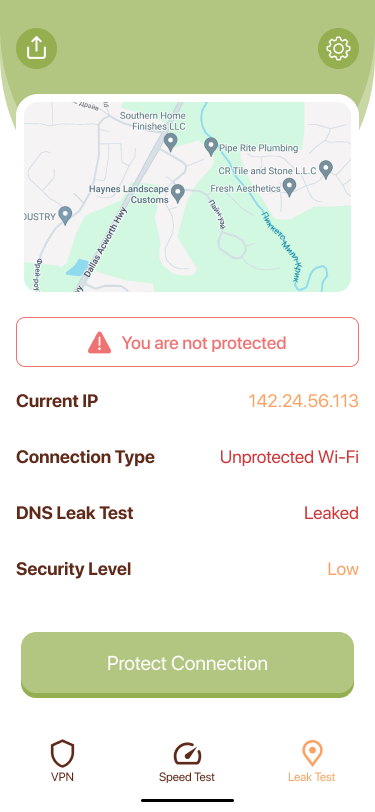
Every screen answers "are you safe right now?" before anything else.
Defaults that just work. Power-user depth hidden until asked for.
No dark patterns. Free is free, premium is clear, exits are obvious.
Key decisions
Each decision below is grounded in research insights and the three principles the product is built on. I've included the trade-off I was navigating and where the design landed.
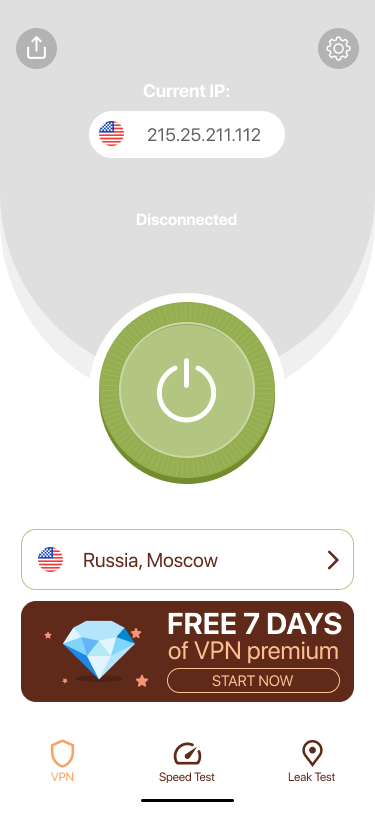
Off
Live
Leak Test
Servers
Speed Test
Onboarding
Offer
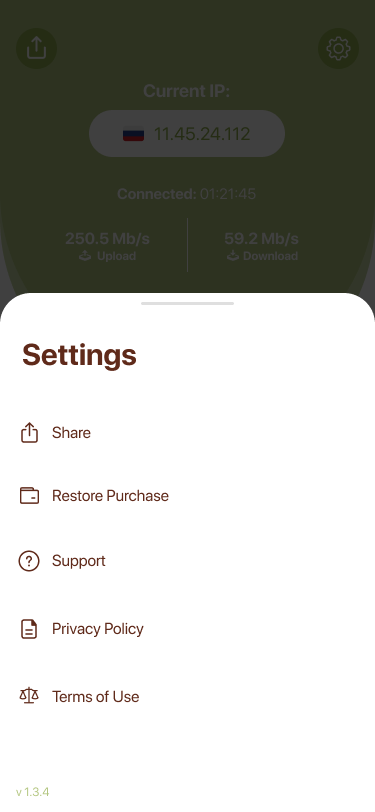
Settings
In a category that sells fear, SoftShield wins by selling calm — and proving it.
Concept outcomes
From a research-grounded problem frame — trust gap, not feature gap — through UX architecture, UI, a component library, and a monetization flow. One coherent system, not a collection of screens.
Every token, component and pattern serves one idea: calm + proof = trust. The shield colour, the power-button states, the leak-test card and the paywall copy all reinforce the same bet — consistency is the brand.
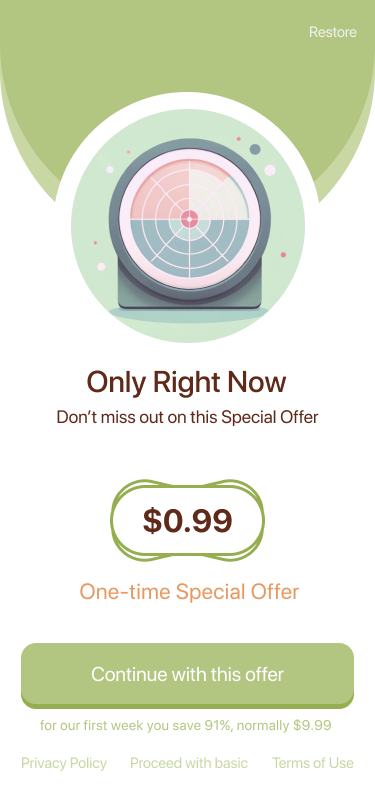
One clear offer, an obvious restore, a visible free exit — reached only after the product has proved itself. The hypothesis: honest context converts better than pressure, especially in a category users already distrust.
What I'd validate next
Does the Leak Test measurably reduce "am I protected?" support volume?
Does the transparent server list improve upgrade intent versus a hidden-lock pattern?
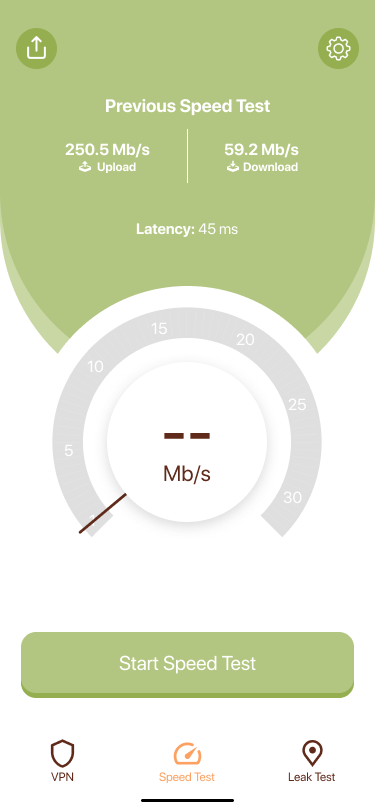
Does the in-product speed test shift trial-to-paid behaviour at the paywall?
This is a self-initiated concept. No live metrics exist — decisions are grounded in competitive teardowns and public-review analysis, framed as hypotheses rather than post-launch measurement.
Reflection
It threatens the one-tap simplicity that is the whole bet. In a real product I'd ship it behind an "Advanced" shelf in v1.2, once the core had earned the right to add depth.
Aggressive intro pricing lifts trials but may compress lifetime value. I'd want price-elasticity research before committing to the cheapest possible offer — the product now earns trust, so it may not need to compete on price alone.
I'd instrument a short in-product trust survey to measure the feeling directly, rather than inferring it from reviews weeks later.
Design system
Palette
Typography — Nunito, rounded & warm
Key components
The hero control — reads on/off in an instant.
Flag, place and tier in a calm white card.
Three jobs — protect, measure, verify.