I designed a multi-tool AI assistant from scratch — chat, image generation, summaries and prompt packs — then used the data to beat the one thing every AI app gets wrong: the blank box.


The challenge
The market was flooded with ChatGPT clones: a cursor, an empty input, and a silent “…now what?” Powerful underneath, paralysing on top. Most people don’t arrive knowing the perfect prompt — they arrive with a vague need and bounce when faced with a blinking line.
My brief: turn raw AI power into something a first-timer can do something with in ten seconds — without ever staring at an empty box.
What it does
Ask anything, in plain language.
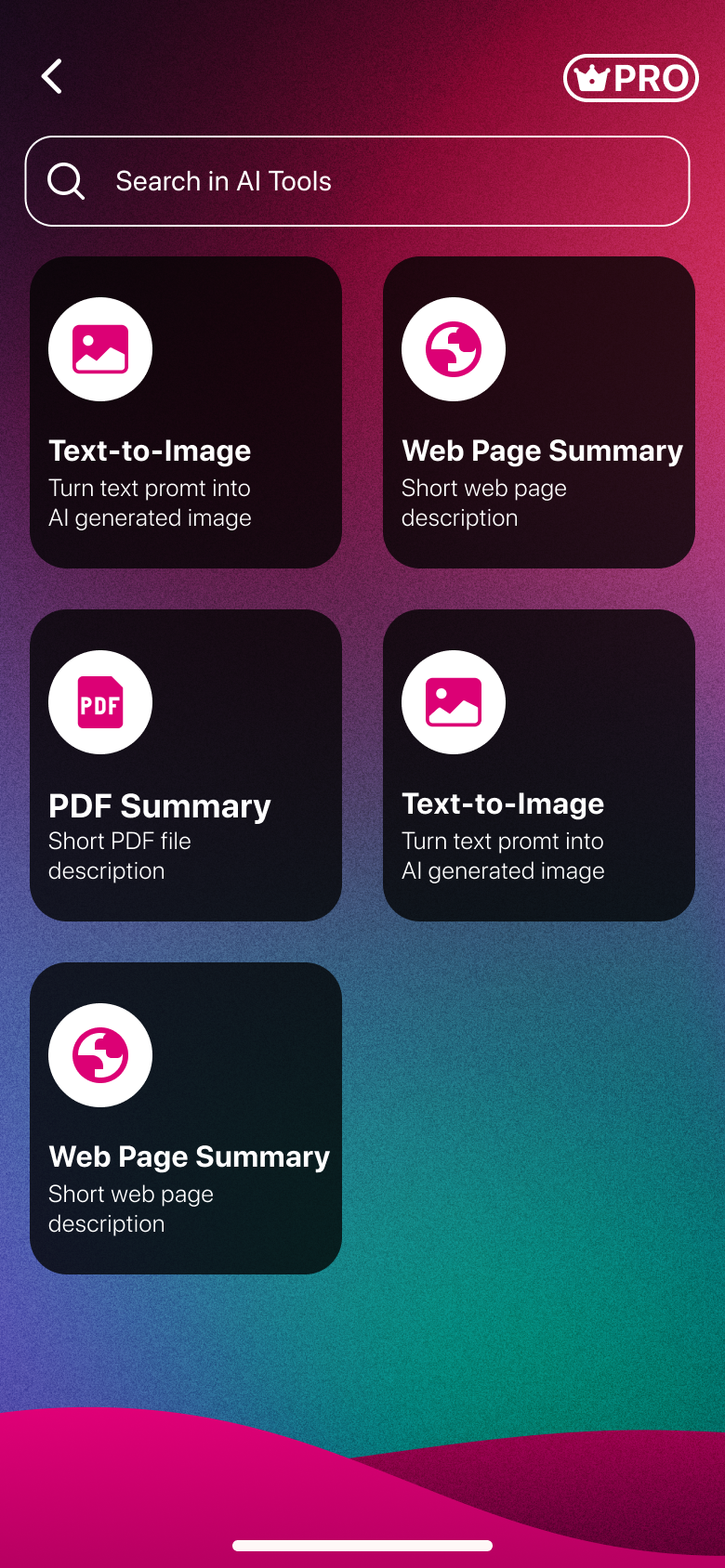
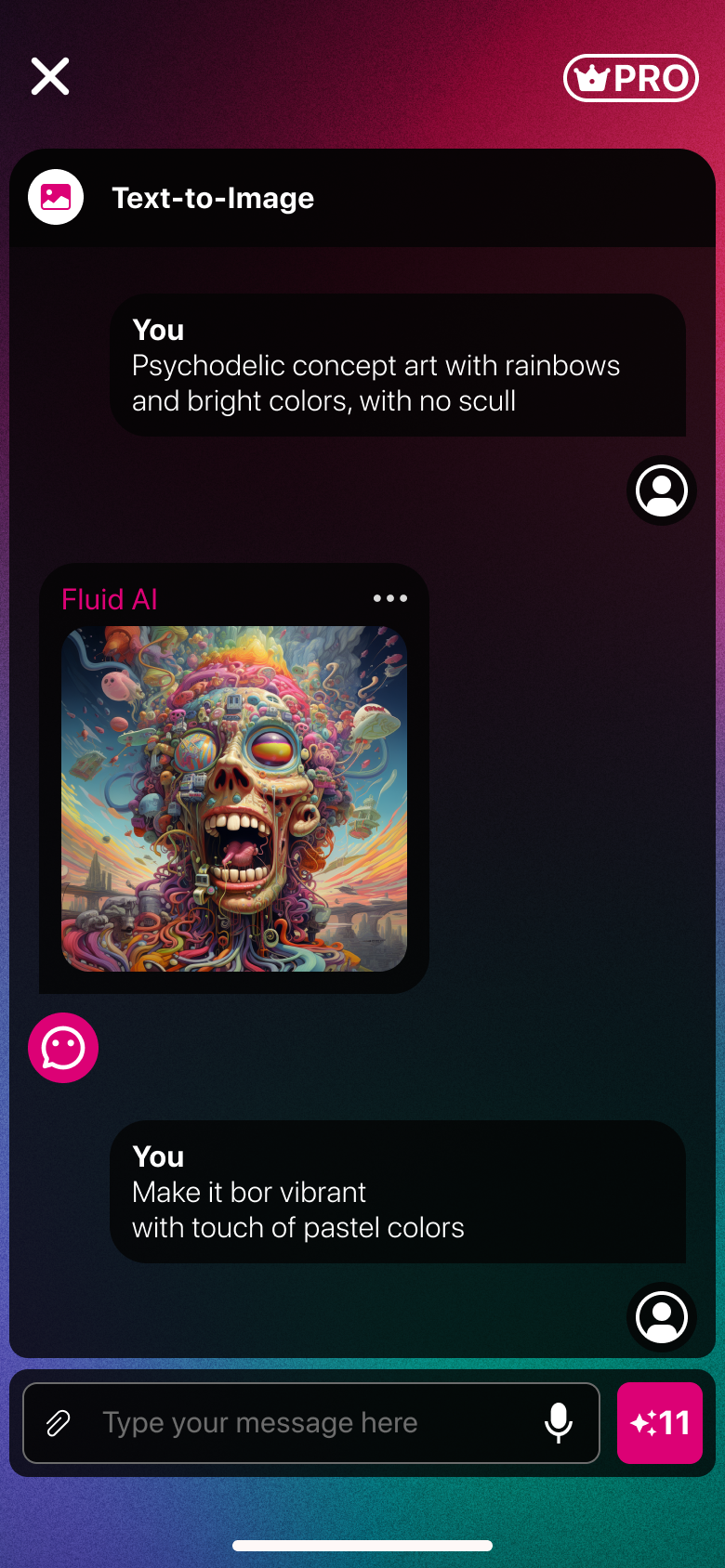
Generate art from a description.
Web pages & PDFs, distilled.
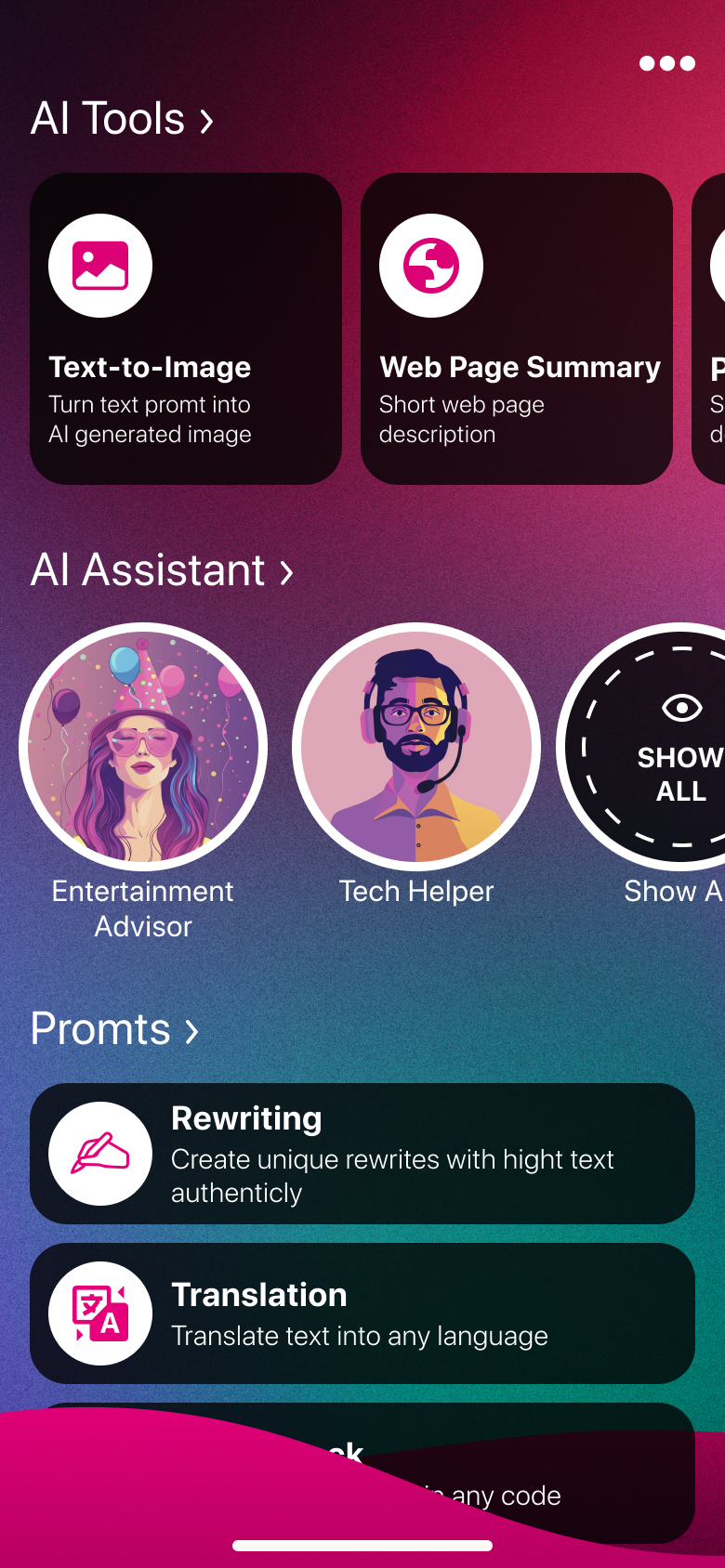
Specialised helpers for real tasks.
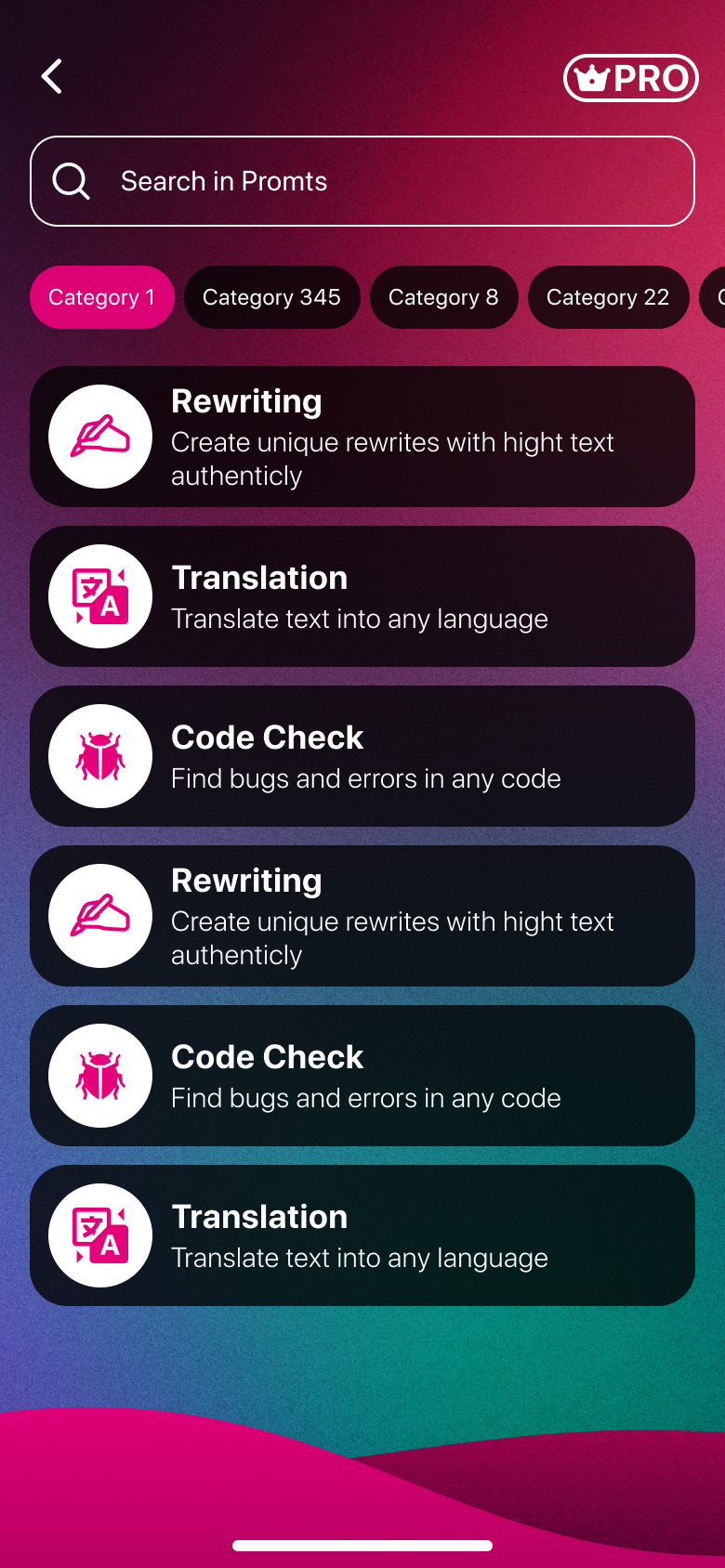
Rewrite, translate, and more.
Write & explain code.
Discovery
I don’t know what to type
The blank box is a wall. Without a starting point, people open the app, stall, and close it.
What can this even do?
Capabilities were invisible. Users had no idea image gen, summaries or assistants existed.
Why would I pay?
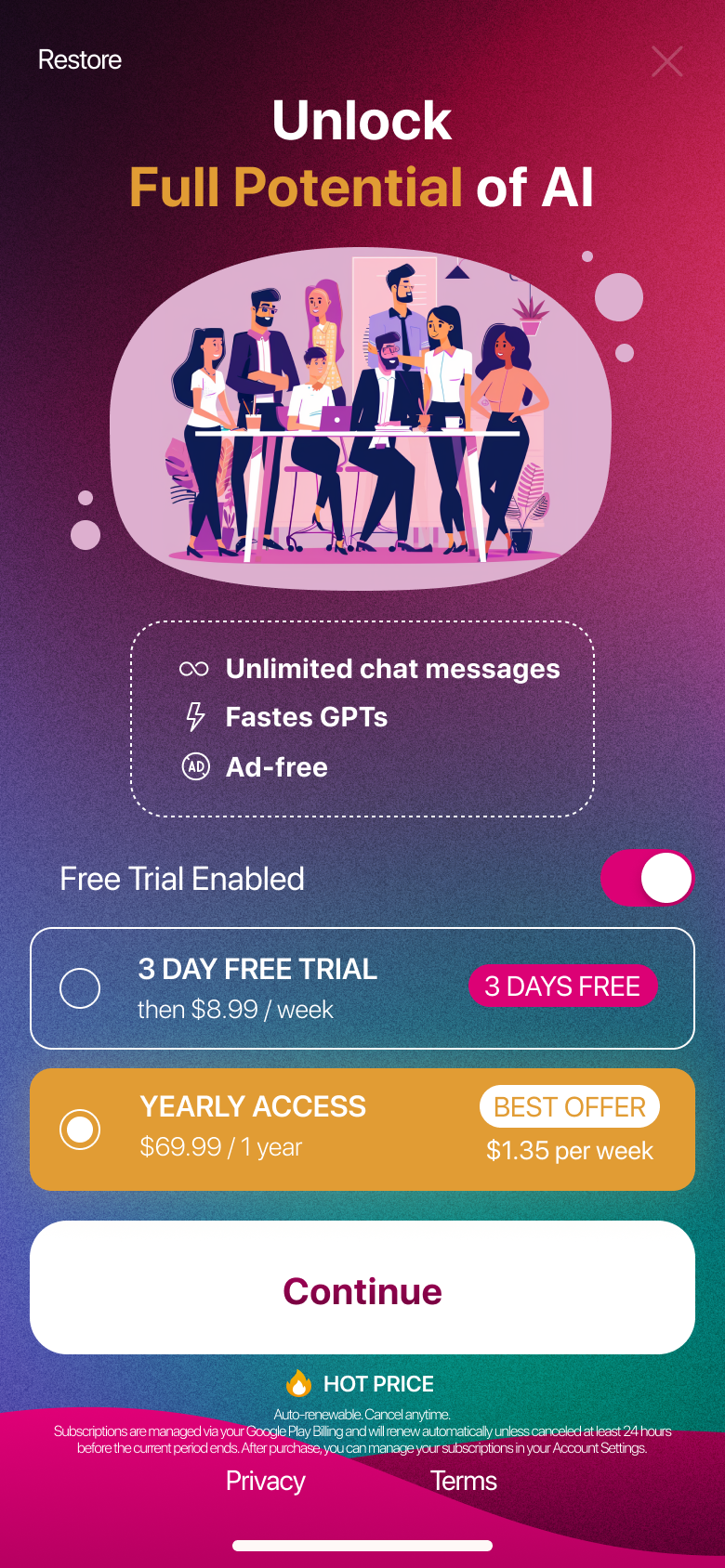
Without feeling the value first, the paywall landed as a tax — not an upgrade.
From 10 first-use sessions, a teardown of 8 AI assistant apps, and funnel analysis of where new users dropped before their first result.
Key decisions
I shipped it, watched where first-timers stalled, and redesigned those moments. Every call is mine — and each one moved a number.


The hardest problem in AI design isn’t the model. It’s the empty input field.
Impact
Measured over the first 6 weeks via Amplitude and App Store Connect. The tool-first home and prompt packs drove the biggest gains — getting people to a result before the blank box could stop them.
Reflection
A few power users wanted to just type. I’d keep the tools but make a plain conversation one tap away from anywhere.
“+11” wasn’t self-explanatory. I’d show what a credit buys at the moment it’s spent, not just a number.
Beautiful brand, but busy behind dense chat. I’d reserve the loud gradients for moments, not every surface.
Design system
Palette & gradient
Typography — Inter display, DM Sans body, Space Mono accents
Key components
Vivid gradient entry points — the home of the app.
Clean dark bubbles over the fluid background.
The gradient action, with credit context.